Count Inventory for QuickBooks Online Support Downloads
Count Inventory Downloads
Videos
Archive version ( Android App)
Help Video’s for Count Inventory App for QuickBooks Online
Overview and Getting Started
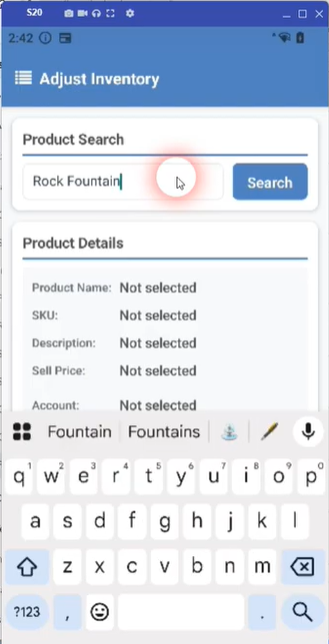
Inventory Adjustments demo
Overview
Receive Inventory with Scanning
With or Without Purchase Order
Steps to get the system working
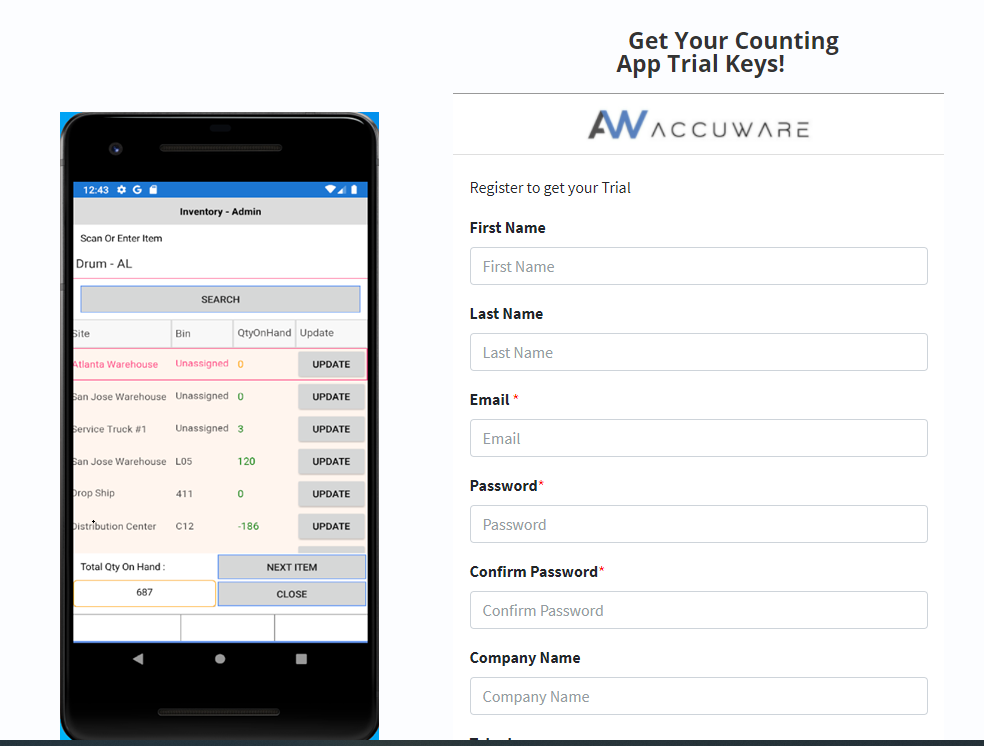
1. ) Sign up for the Trial ( use the Label Connector trial to sign up)
2.) Connect to your Company Data File
( Admin User required just 1 time!)
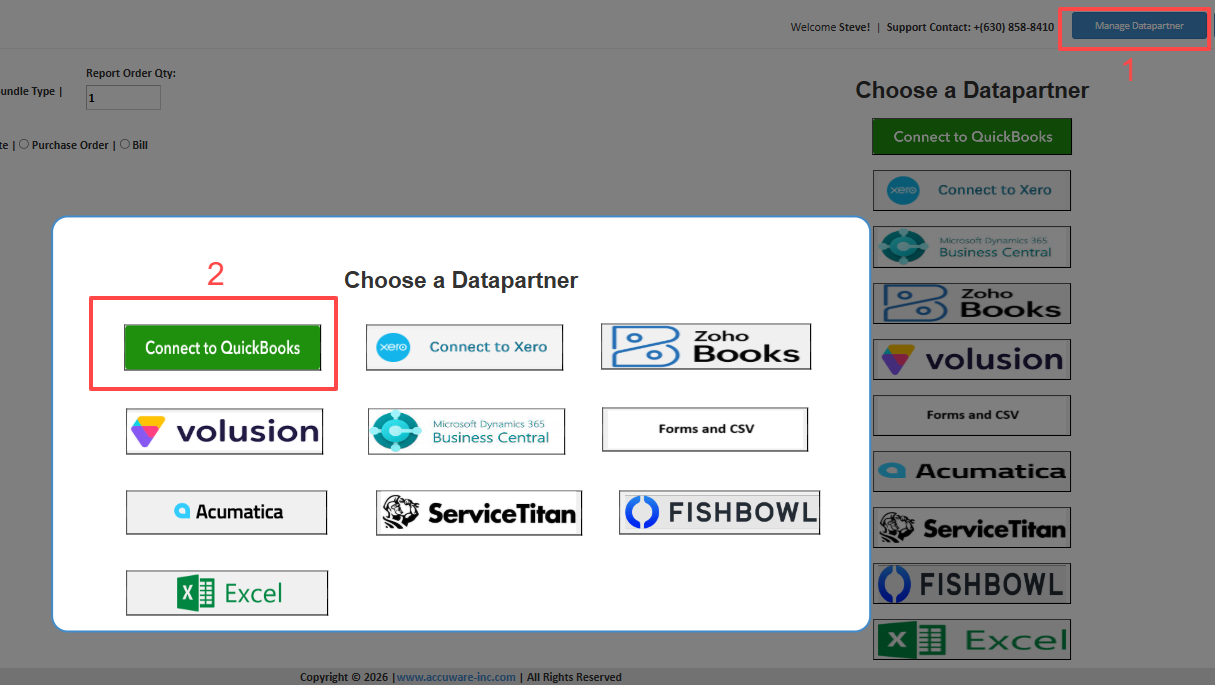
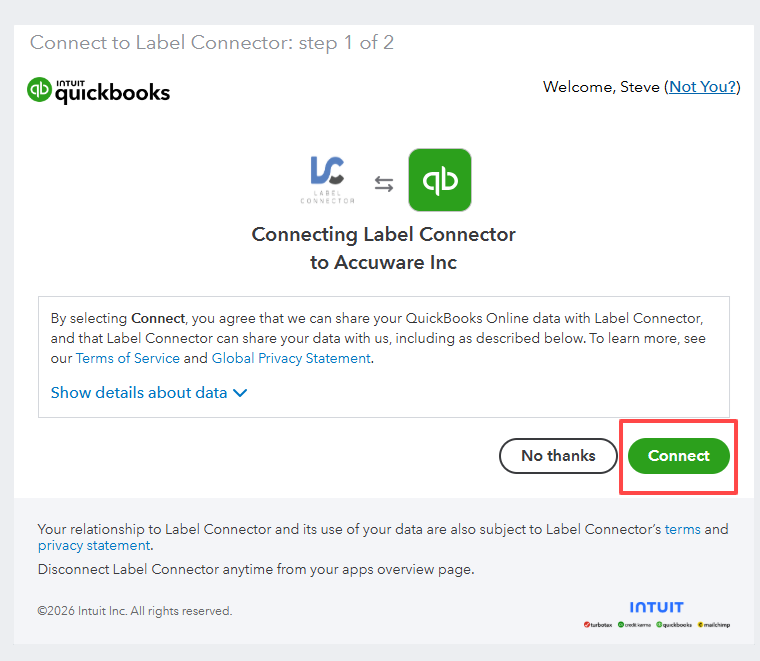
3.) Admin User required just 1 time
To Conenct the Android app and Label Connector you will be required to use the Administrator user just 1 time.
Note: once authenticated the Count Inventory App user does not need to be a QuickBooks User!
4. ) Check your Connection
To be sure you are properly connected to your QuickBooks try to sync your items
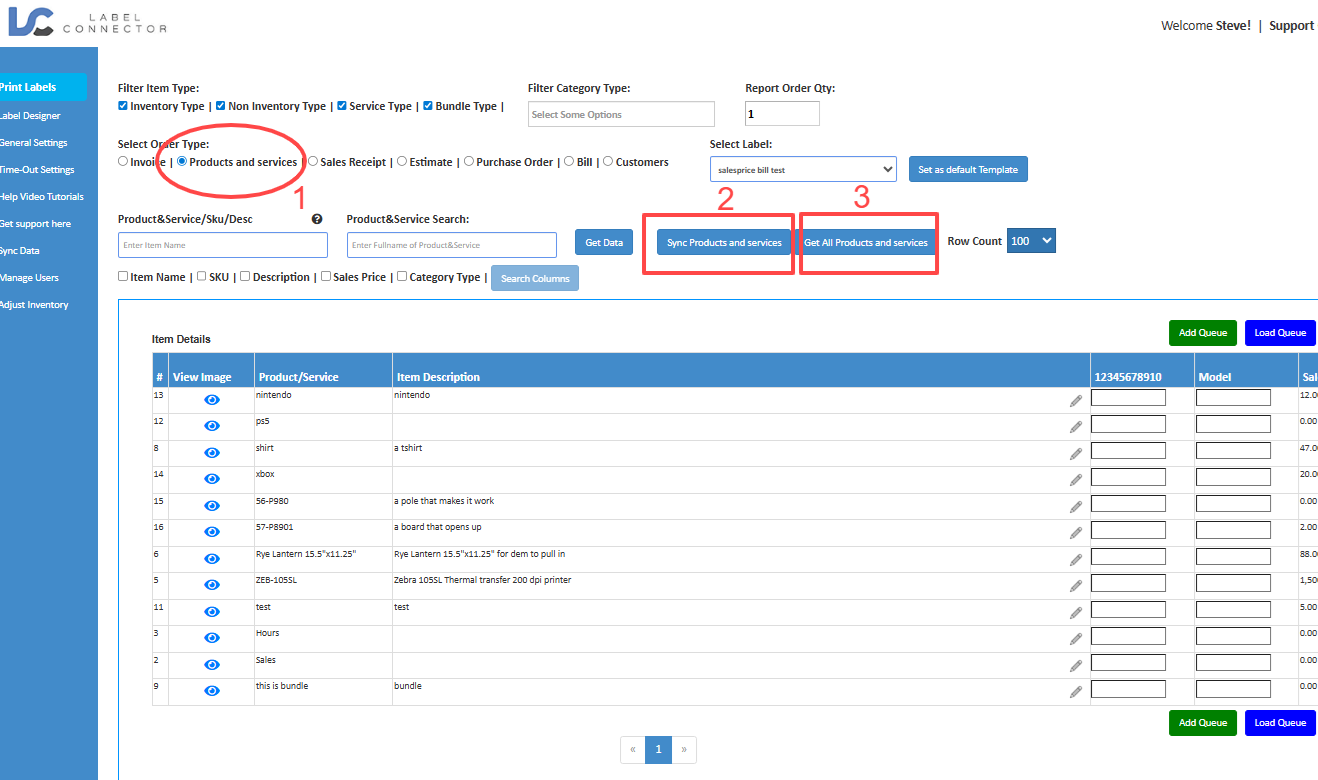
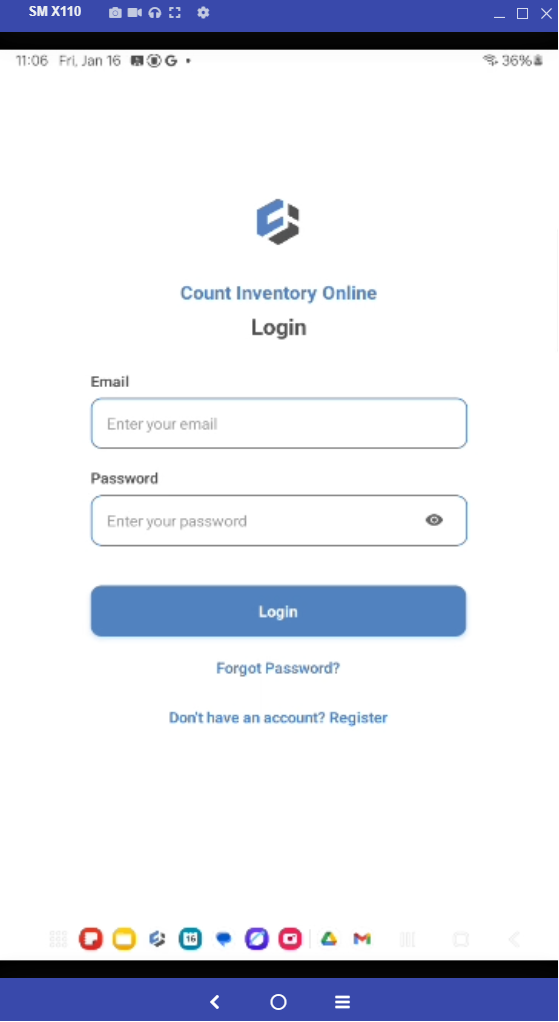
5.) Log Into Android App
Use your Label Connector Credentials
6.) Adjust your Inventory of an Item to test the system.